Customization
You can customize your application profile from the setting dialog.
Application Color Theme
There are several color themes available. You can select your favorite one from the appearance tab in the setting dialog.
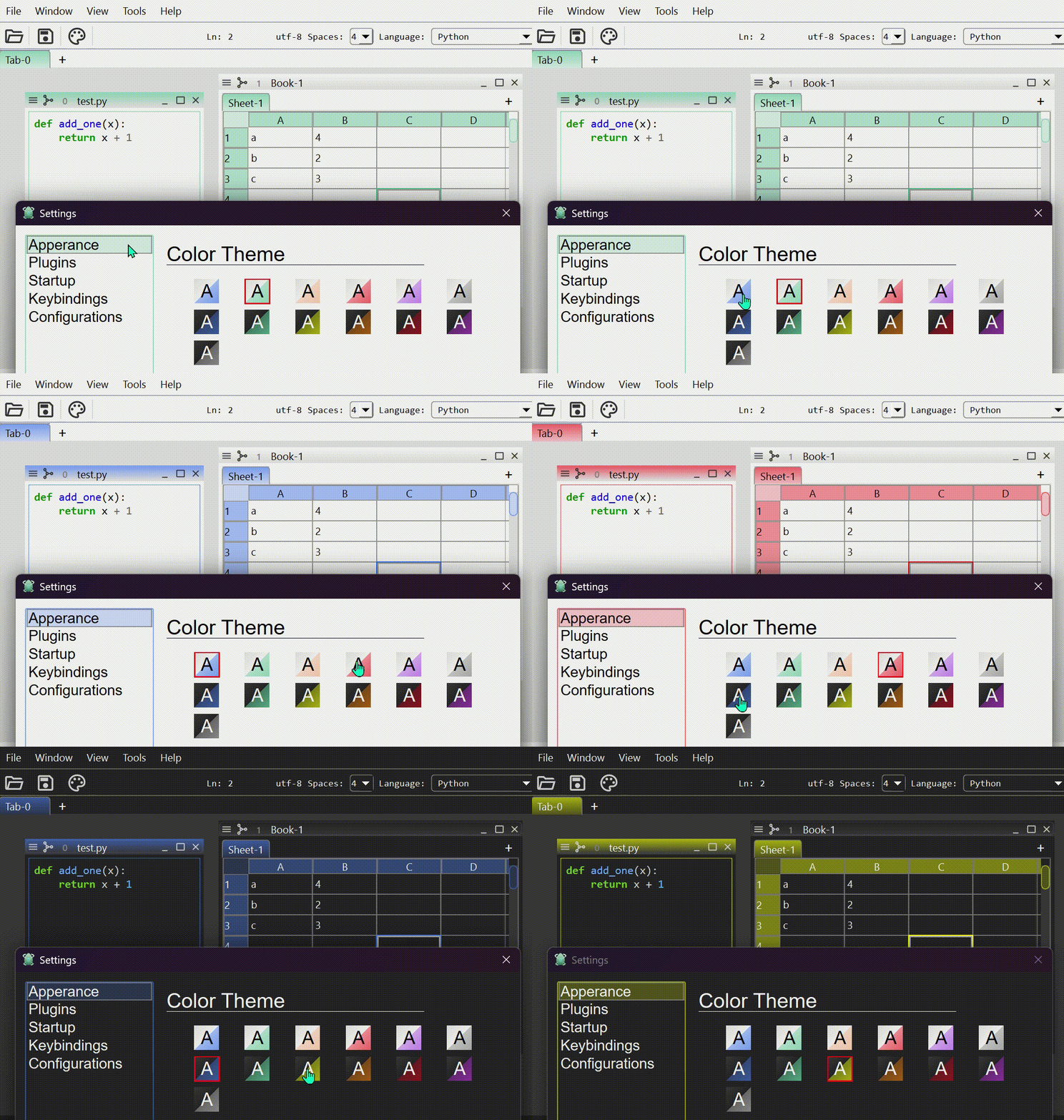
Alternatively, you can programmatically change it by setting the theme property.
ui.theme = "dark-green"
Keyboard Shortcuts
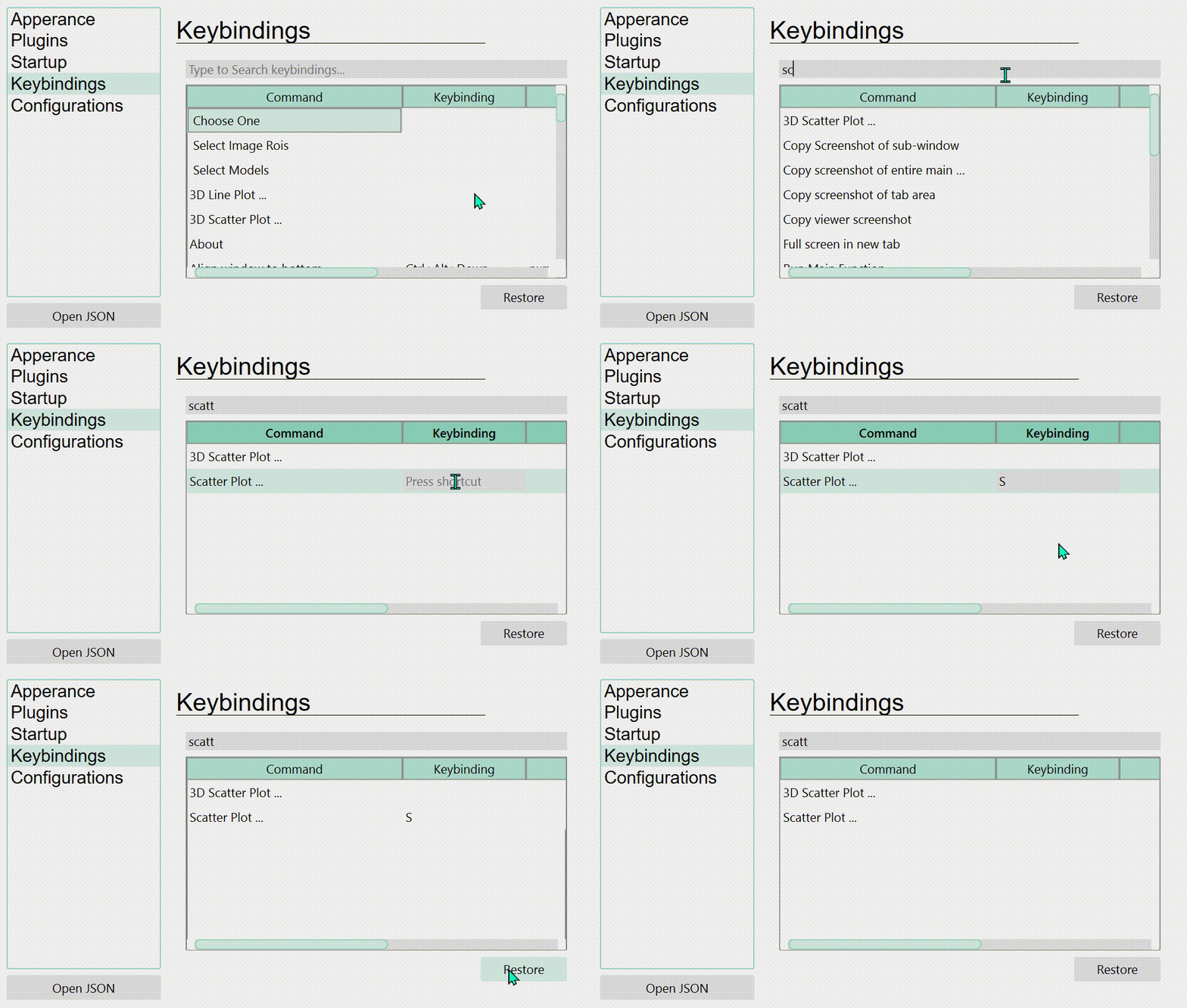
You can customize keyboard shortcuts for various actions registered in the application.
Warning Filters
Warnings raised during the application execution are shown as a notification popup. In the warnings tab of the setting dialog, you can define which warnings should be hidden in the current profile.
Each filter has three fields.
- Category ... name of the warning category, such as
DeprecationWarning. - Message ... regular expression searched in the warning message.
- Module ... regular expression searched in the path of the file that raised the
warning, such as
skimage.
Empty fields match anything. Filters are checked from the top and the first matched one determines the result. Filtered warnings are not shown as a notification popup, but are still sent to the standard error.
Because filters are stored in the profile, a profile in which a specific module is installed can silence the warnings raised by that module only.
Plugin Settings
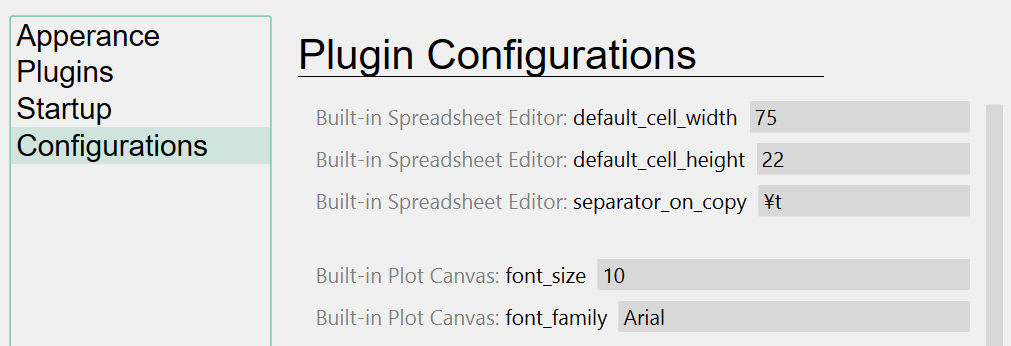
Many settings that are not directly relevant to the data itself (such as the table cell size, default SSH host name, etc.) can be configured from the plugin settings tab.